Set up students and exam classes
Create a class per exam track and invite students directly.
Tutor hub
This hub collects the Gradenza workflows tutors most often need: assigning practice between sessions, collecting handwritten submissions, grading with AI, tracking mastery, and preparing students for mocks or exam-specific revision.
Audience
Start here if you tutor maths and want a grading workflow that is lighter than a school LMS but more structured than messages and PDFs.
IB Math tutors assigning weekly homework.
Tutors running mock paper practice before exams.
Tutors managing students in different exam systems.
Tutors who need clear progress evidence for students and families.
Workflow
Most tutors start with homework grading, then add mastery maps or mock exam mode.
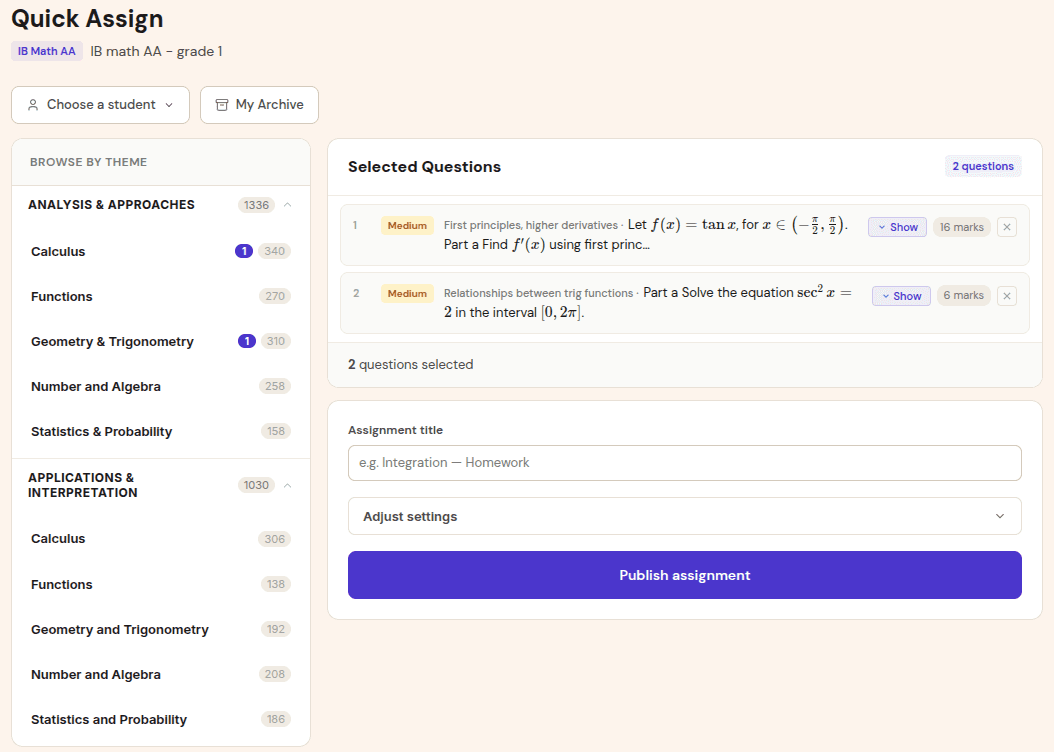
Create a class per exam track and invite students directly.
Choose a topic set or full paper based on what the student needs next.
Students upload handwritten work. Gradenza drafts reports for tutor review.
Open mastery maps and grading reports before the session to target weak areas.
Benefits
Tutoring is personal, but the admin burden grows quickly as student count increases.
Assignments, submissions, and mastery stay tied to the right student and class.
Fast grading means students can act on feedback before the next paid lesson.
Grading reports and mastery maps make progress easier to explain.
Proof and trust
The tutor path is designed for direct invites, small rosters, and mixed exam work.
Tutors can create classes and start with a small group.
The public landing page positions Gradenza as free for up to 5 students.
One tutor can manage different exam tracks without blending analytics.
Related resources
Continue into the adjacent workflow instead of treating this page as a dead end.
FAQ
Start with one homework assignment using photo submission, then review the grading report and mastery update.
Yes. Mock exam mode is useful for individual exam preparation as well as school cohorts.
Yes. Tutors can release grading feedback after reviewing the report.
Next step
Start with the next piece of homework you would normally mark by hand.